Skip to content
View in the app

A better way to browse. Learn more.

OCCUPIERWORLD®

A full-screen app on your home screen with push notifications, badges and more.

To install this app on iOS and iPadOS
  1. Tap the Share icon in Safari
  2. Scroll the menu and tap Add to Home Screen.
  3. Tap Add in the top-right corner.
To install this app on Android
  1. Tap the 3-dot menu (⋮) in the top-right corner of the browser.
  2. Tap Add to Home screen or Install app.
  3. Confirm by tapping Install.
  • Entries

    2
  • Comments

    0
  • Views

    2,876

About this blog

The corporate real estate profession stands at an inflection point. Artificial intelligence is not merely a tool for efficiency, it is a fundamental reordering of what in-house property and facilities leaders can accomplish, how portfolios are managed and what value looks like going forward.


Entries in this blog

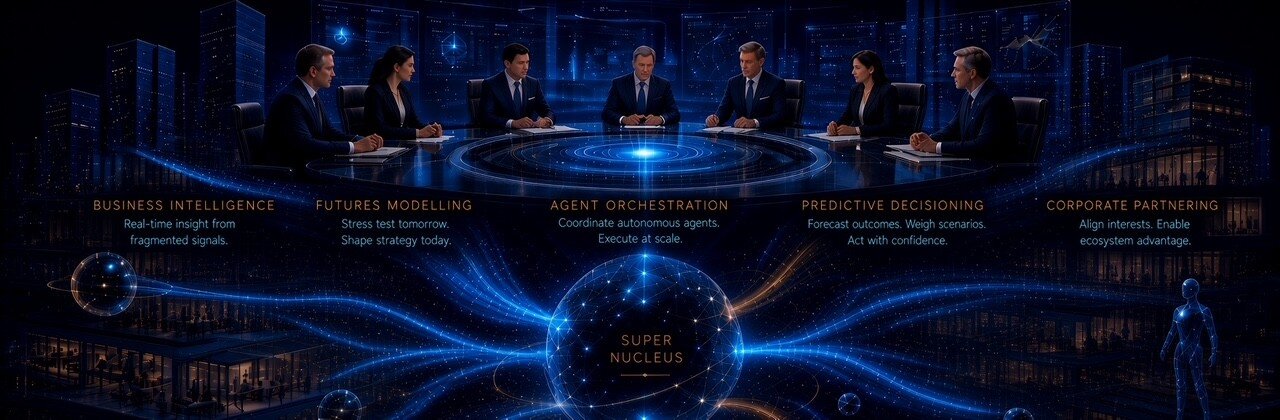
In a world where organisations are now building decision-making models that respond to real-time conditions, and agentic AI is becoming the operating system of modern industry, a strong case exists to move the CRE function ‘up the stack’ — away from administrative throughput and toward the apex of enterprise value creation: strategic intelligence, predictive decisioning, and board-level influence.   This article sets out the five core capabilities of tomorrow’s CRE Super Nucleus, the organisatio
Stuart
=

Account

Navigation

Search

Search

Configure browser push notifications

Chrome (Android)
  1. Tap the lock icon next to the address bar.
  2. Tap Permissions → Notifications.
  3. Adjust your preference.
Chrome (Desktop)
  1. Click the padlock icon in the address bar.
  2. Select Site settings.
  3. Find Notifications and adjust your preference.