


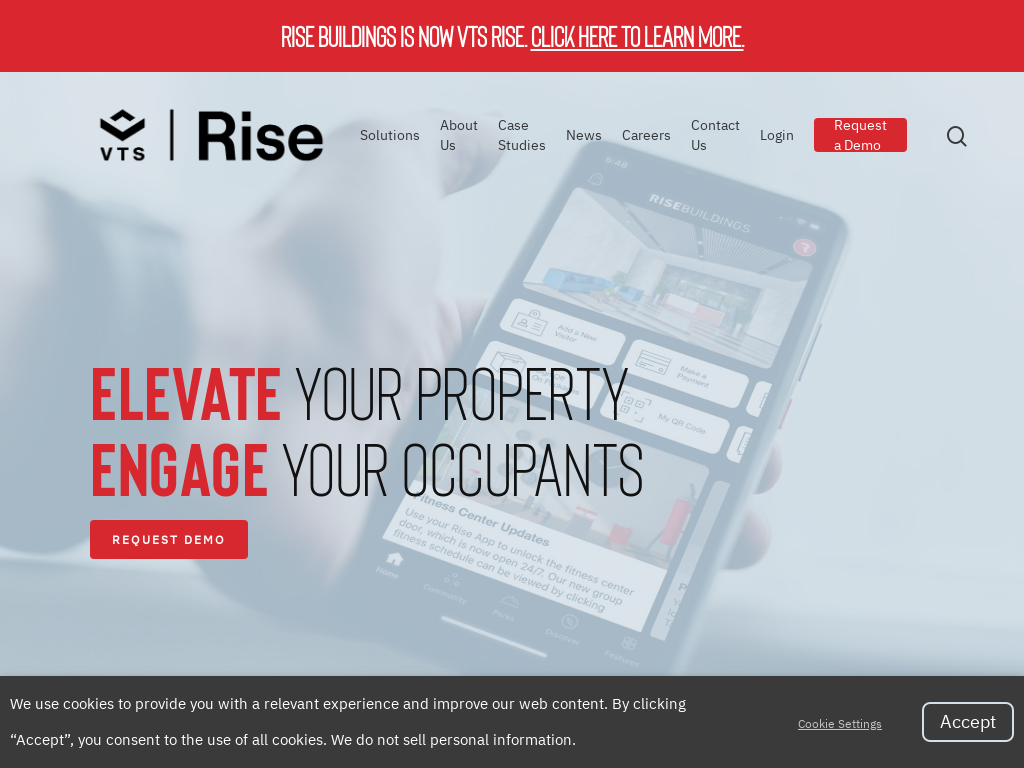
VTS Rise specializes in property operations and tenant experience. As part of the VTS offering, we provide landlords with a full-service platform that continues the journey of digitizing the entire asset experience.
Rise Buildings is a robust occupant experience and property operations platform that consolidates multiple software and hardware solutions into one, fully-integrated platform. As a result, we are able to deliver savings from reduced technology spend and greater operational efficiency. Our platform also drives higher retention and enables ancillary revenue opportunities through amenity bookings and concierge services.
Further, our data analytics engine allows you to see and understand critical information about what’s going on in your buildings and proactively capitalize on this intelligence. We do this while delivering an on-brand (our platform can be white-labeled for your building or portfolio), seamless product that drives both high adoption and high utilization across the building population, including occupants, staff, and management.
Rise Buildings is currently active with over 1,000 buildings, including some of the newest and best commercial office and multi-family residential properties across the country.
There are no reviews to display.