


Skip to content
View in the app

A better way to browse. Learn more.

OCCUPIERWORLD®

A full-screen app on your home screen with push notifications, badges and more.

To install this app on iOS and iPadOS
  1. Tap the Share icon in Safari
  2. Scroll the menu and tap Add to Home Screen.
  3. Tap Add in the top-right corner.
To install this app on Android
  1. Tap the 3-dot menu (⋮) in the top-right corner of the browser.
  2. Tap Add to Home screen or Install app.
  3. Confirm by tapping Install.

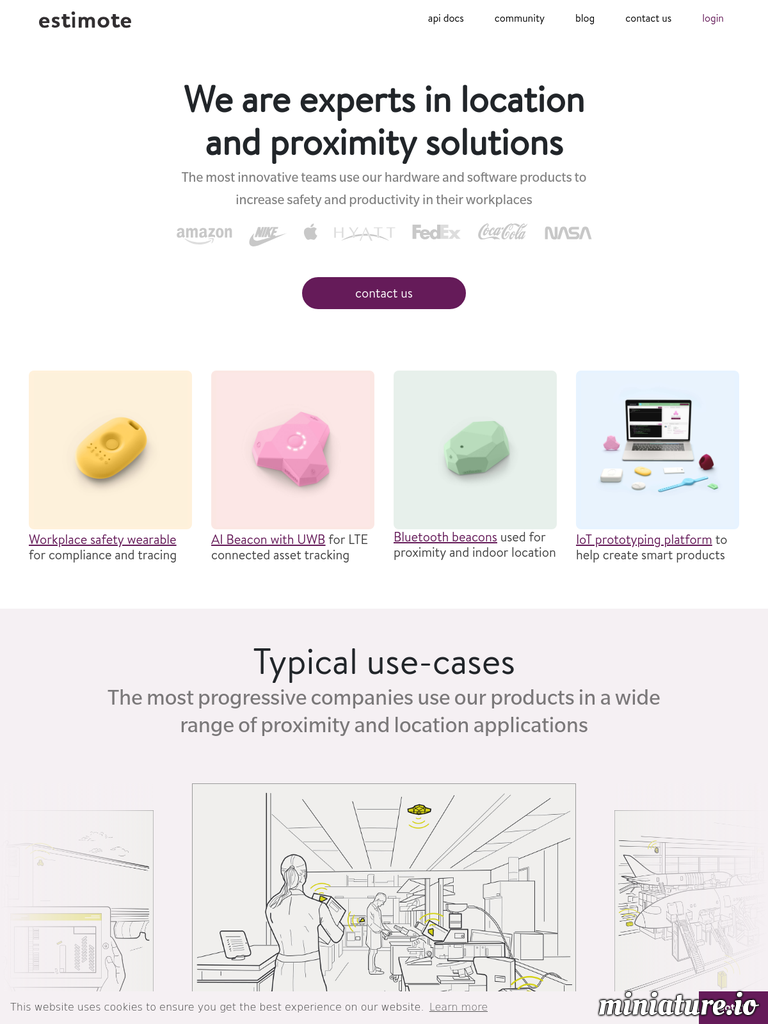
At Estimote, we’re building an operating system for the physical world.

What does it mean? An operating system’s key role is to give apps APIs to interact with the hardware. For example, subscribe to mouse clicks, or draw on the screen.

An OS for the physical world is no different, except the world itself is the hardware. We want to provide developers with APIs to subscribe to the movements of people and objects, or to wirelessly take control of the nearby displays.

User Feedback

=

Account

Navigation

Search

Search

Configure browser push notifications

Chrome (Android)
  1. Tap the lock icon next to the address bar.
  2. Tap Permissions → Notifications.
  3. Adjust your preference.
Chrome (Desktop)
  1. Click the padlock icon in the address bar.
  2. Select Site settings.
  3. Find Notifications and adjust your preference.