


Skip to content
View in the app

A better way to browse. Learn more.

OCCUPIERWORLD®

A full-screen app on your home screen with push notifications, badges and more.

To install this app on iOS and iPadOS
  1. Tap the Share icon in Safari
  2. Scroll the menu and tap Add to Home Screen.
  3. Tap Add in the top-right corner.
To install this app on Android
  1. Tap the 3-dot menu (⋮) in the top-right corner of the browser.
  2. Tap Add to Home screen or Install app.
  3. Confirm by tapping Install.

Deloitte was our first customer. Together we built The Edge—one of the most innovative and sustainable buildings in the world.

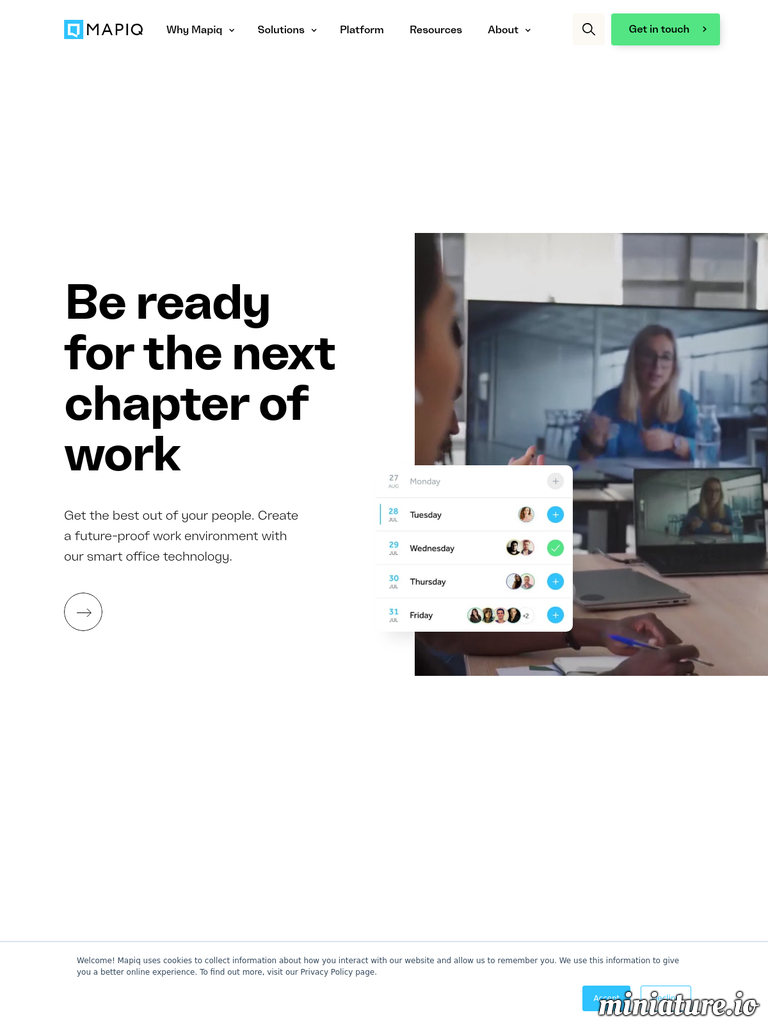
Colleagues can connect with each other in the Mapiq app. When they do, they’ll be able to see when the other person plans to be in the office. Easy team scheduling, without any of the hassle.

To realize the potential of your smart office, we leverage our extensive ecosystem of technology partners.

Our API enables top developers of third-party software and hardware to easily connect with Mapiq.

User Feedback

=

Account

Navigation

Search

Search

Configure browser push notifications

Chrome (Android)
  1. Tap the lock icon next to the address bar.
  2. Tap Permissions → Notifications.
  3. Adjust your preference.
Chrome (Desktop)
  1. Click the padlock icon in the address bar.
  2. Select Site settings.
  3. Find Notifications and adjust your preference.