


Skip to content
View in the app

A better way to browse. Learn more.

OCCUPIERWORLD®

A full-screen app on your home screen with push notifications, badges and more.

To install this app on iOS and iPadOS
  1. Tap the Share icon in Safari
  2. Scroll the menu and tap Add to Home Screen.
  3. Tap Add in the top-right corner.
To install this app on Android
  1. Tap the 3-dot menu (⋮) in the top-right corner of the browser.
  2. Tap Add to Home screen or Install app.
  3. Confirm by tapping Install.

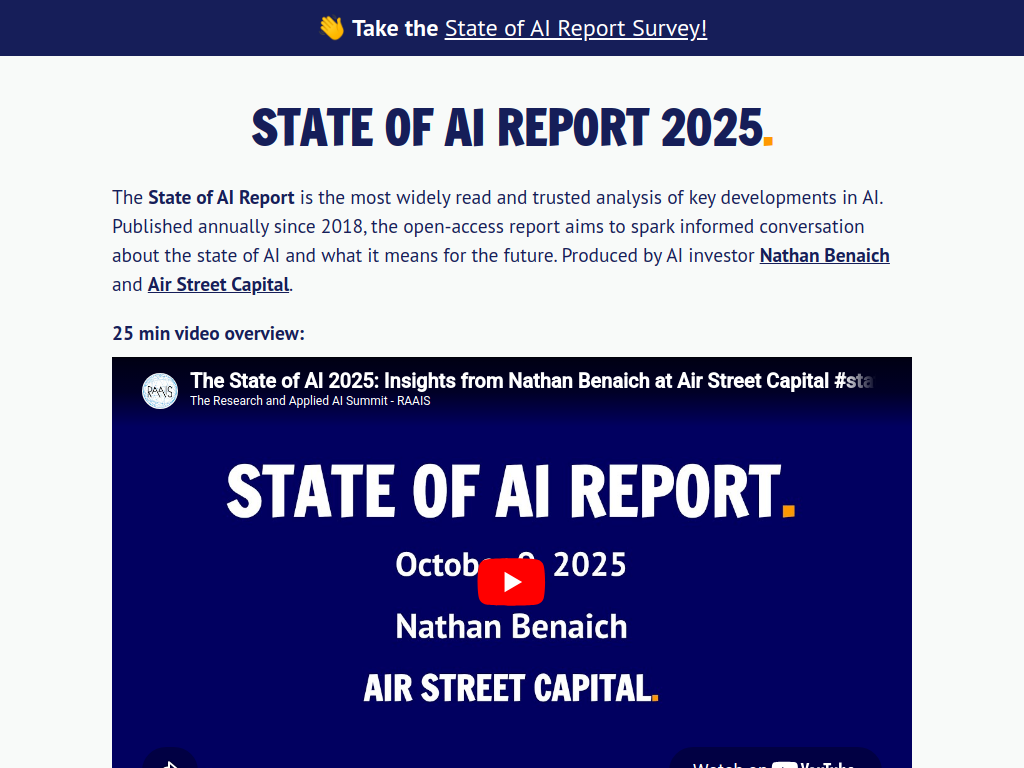
The State of AI Report features invited contributions from a range of well-known and up-and-coming companies and research groups.

The Report considers the following key dimensions:

  • Research: Technology breakthroughs and capabilities.

  • Talent: Supply, demand and concentration of AI talent.

  • Industry: Areas of commercial application for AI and its business impact.

  • Politics: Regulation of AI, its economic implications and the emerging geopolitics of AI.

  • Predictions: What we believe will happen and a performance review to keep us honest.

User Feedback

=

Account

Navigation

Search

Search

Configure browser push notifications

Chrome (Android)
  1. Tap the lock icon next to the address bar.
  2. Tap Permissions → Notifications.
  3. Adjust your preference.
Chrome (Desktop)
  1. Click the padlock icon in the address bar.
  2. Select Site settings.
  3. Find Notifications and adjust your preference.