
Description
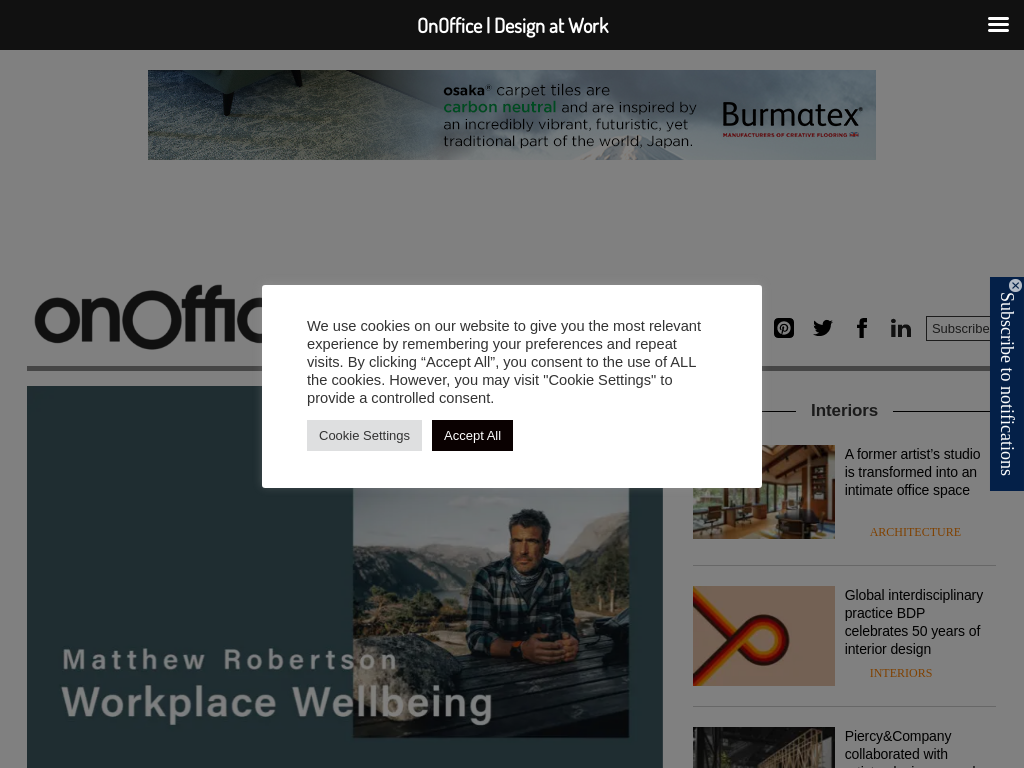
OnOffice is a leading publication for the global architecture and design community. An indispensable resource for design lovers everywhere, OnOffice is a quarterly magazine and digital platform. OnOffice works with the industry’s most reputable photographers, contributing writers, designers and brands.
Informative, sleek and a little tongue-in-cheek, OnOffice is an unmissable experience for inspirational workplace interiors with highlights from the hospitality and residential sectors supporting and influencing the modern day-to-day way of working. Hear from industry thought leaders, uncover rising stars and receive the latest news from desirable brands.
OnOffice dives into the workplace featuring those who challenge the status quo and are redefining our work environment, connecting with readers and clients through a shared love of design and a desire to better the world.





@3x.png?_cb=1618177579)