


Skip to content
View in the app

A better way to browse. Learn more.

OCCUPIERWORLD®

A full-screen app on your home screen with push notifications, badges and more.

To install this app on iOS and iPadOS
  1. Tap the Share icon in Safari
  2. Scroll the menu and tap Add to Home Screen.
  3. Tap Add in the top-right corner.
To install this app on Android
  1. Tap the 3-dot menu (⋮) in the top-right corner of the browser.
  2. Tap Add to Home screen or Install app.
  3. Confirm by tapping Install.

Welcome employees and visitors to your workplace with confidence. Collect the information you need and ensure that everyone entering your space is healthy and can work at a safe distance.

Your workplace should help you do your best work. We’re sharing our plan to fix all those obstacles that plague your office, so you can get back to the work that matters.

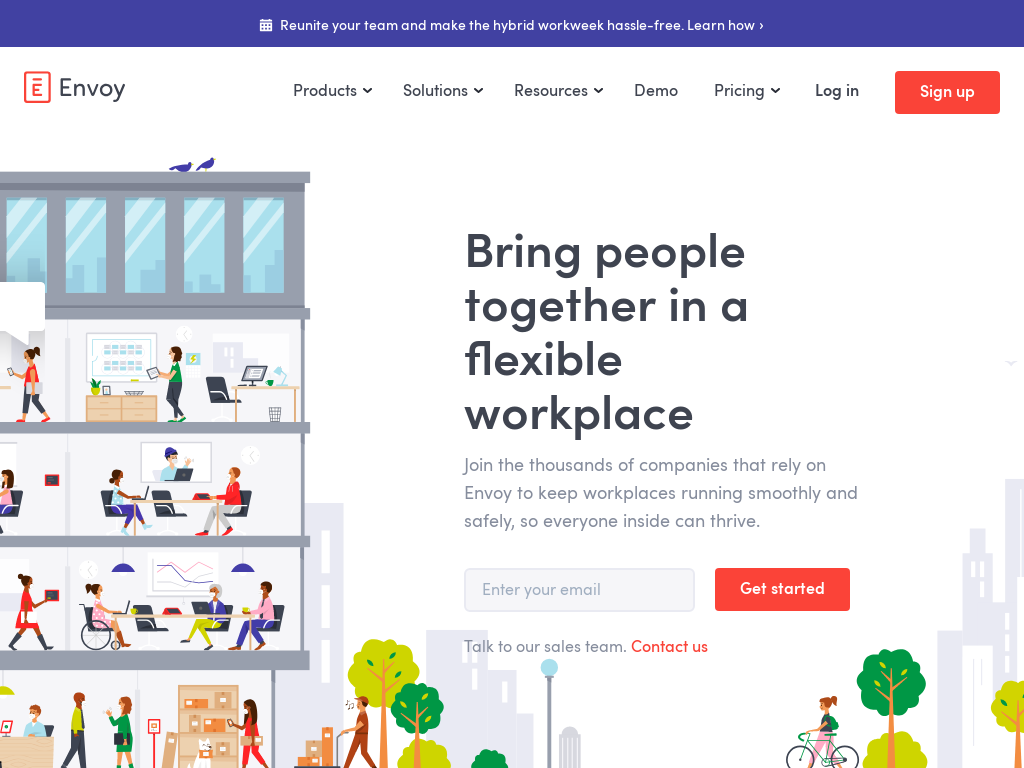
From people to packages, Envoy helps you handle everything that comes through your company’s front door. 

Avoid package pile up and delight your team. Scan incoming mail in seconds, automate notifications, and unite packages with their recipients in record time.

Find and book the right conference room in seconds. Automatically remind attendees of their meetings and make sure booked rooms are actually being used.

User Feedback

=

Account

Navigation

Search

Search

Configure browser push notifications

Chrome (Android)
  1. Tap the lock icon next to the address bar.
  2. Tap Permissions → Notifications.
  3. Adjust your preference.
Chrome (Desktop)
  1. Click the padlock icon in the address bar.
  2. Select Site settings.
  3. Find Notifications and adjust your preference.