


Skip to content
View in the app

A better way to browse. Learn more.

OCCUPIERWORLD®

A full-screen app on your home screen with push notifications, badges and more.

To install this app on iOS and iPadOS
  1. Tap the Share icon in Safari
  2. Scroll the menu and tap Add to Home Screen.
  3. Tap Add in the top-right corner.
To install this app on Android
  1. Tap the 3-dot menu (⋮) in the top-right corner of the browser.
  2. Tap Add to Home screen or Install app.
  3. Confirm by tapping Install.

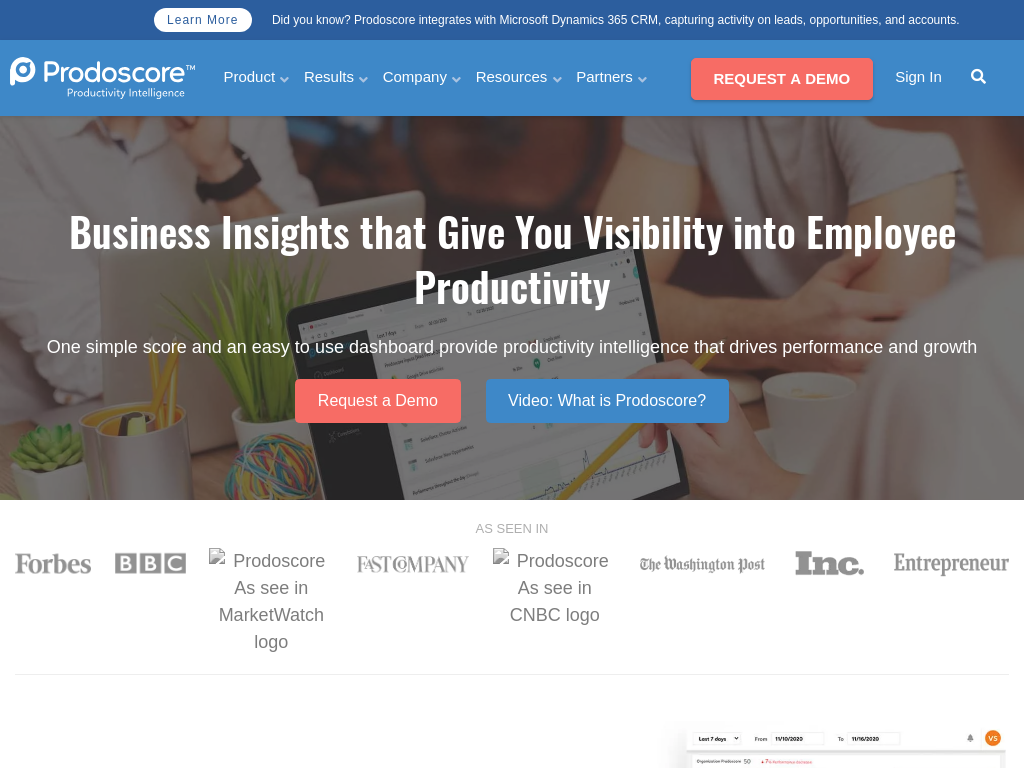
Business Insights that Give You Visibility into Employee Productivity

Prodoscore takes the guesswork out of managing remote or in-office teams so leaders are better informed and better prepared, and creates transparency across the organization. 

Using Machine Learning, AI, & Natural Language Processing, we measure thousands of daily activity points across business applications you’re already using like your office suite, CRM, UCaaS, and more. Our proprietary scoring system generates actionable analytics that measure productivity and create immediate opportunities for process improvement, while respecting employee privacy.

User Feedback

=

Account

Navigation

Search

Search

Configure browser push notifications

Chrome (Android)
  1. Tap the lock icon next to the address bar.
  2. Tap Permissions → Notifications.
  3. Adjust your preference.
Chrome (Desktop)
  1. Click the padlock icon in the address bar.
  2. Select Site settings.
  3. Find Notifications and adjust your preference.