


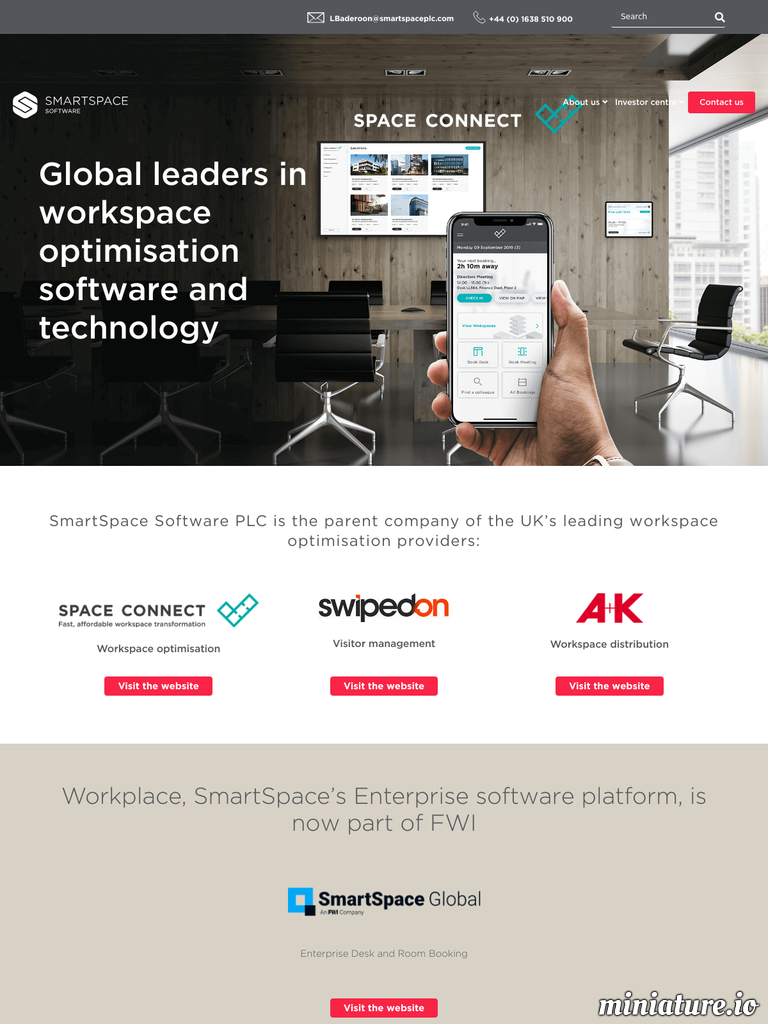
Connecting smart technologies throughout the workplace to engage people, help them use the space more productively, creating data intelligence to both optimise and help make safe commercial real estate.
SmartSpace Software Plc is focused on digital workspace technologies that make real estate more efficient and organisations more effective.
Listed on the Alternative Investment Market of the London Stock Exchange, we provide software solutions via several routes to market including; direct sales, via Distributors, Partners & Resellers, which enable corporate offices to become Smart Buildings delivering optimisation of the workplace.
Via our cloud-based software solutions we can deliver through both Mobile and Online interfaces a connected seamless experience from the reception area through to advanced desk and meeting room management, IoT sensors to wayfinding and analytics.
There are no reviews to display.